Phone Setup Before a Clinic Trip to Korea: SIM or eSIM, Map, Taxi and Translation Apps, and Your Clinic Contact
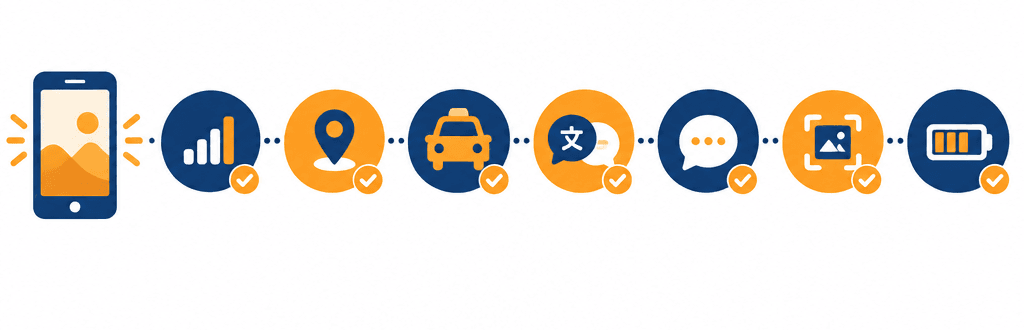
Before coming to Korea for treatment, decide how you will get data, which map, taxi and translation apps to use, and which messaging channel your clinic will use, then save the clinic's address and your booking screen for offline use, so your schedule is less likely to come apart. Here is what to do before you fly, in one table (as of October 2026).
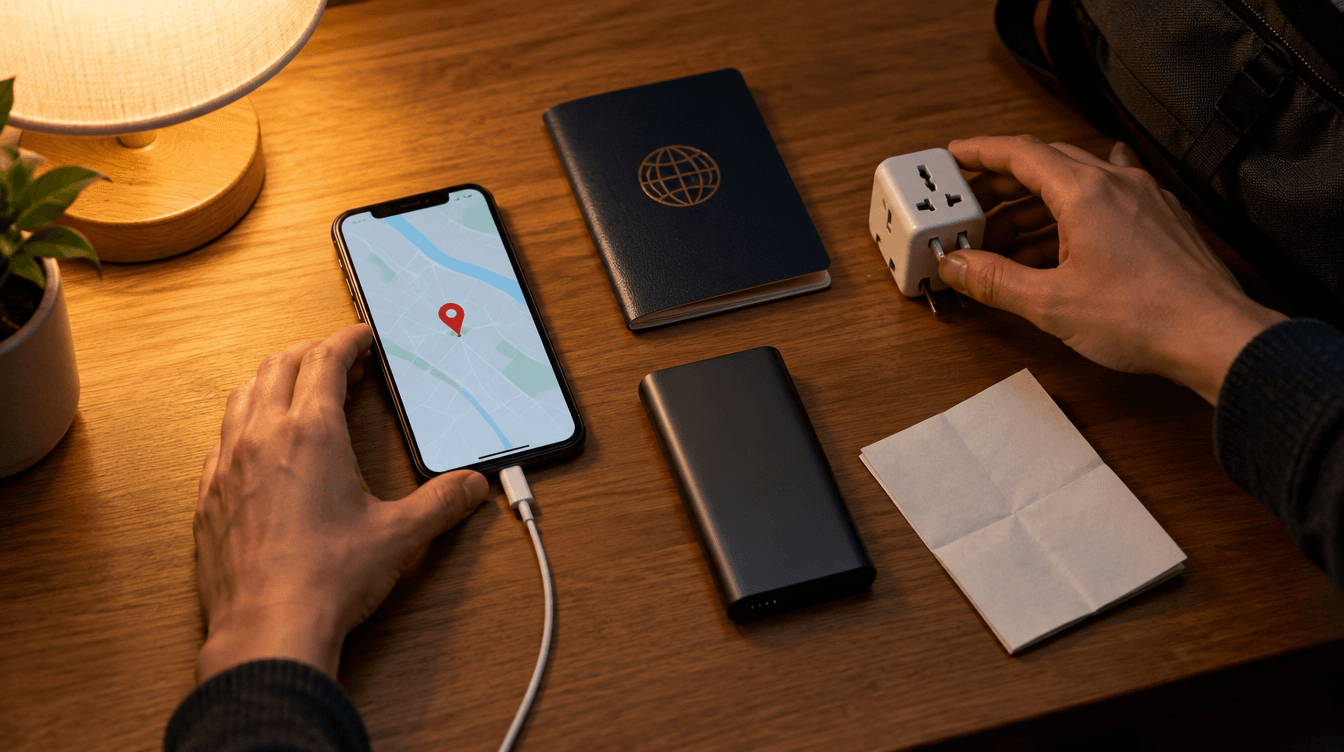
There are five things to set up on your phone before you come to Korea for treatment: a way to get data in Korea (roaming, a SIM, an eSIM or a pocket Wi-Fi device), a map app for finding your way, a taxi app, a translation app, and the messaging channel you will use with your clinic. Add to that a copy of the clinic's Korean address and your booking confirmation that opens without internet, plus enough battery for treatment day, and your schedule is less likely to come apart. Some apps need sign-up or verification, so install them before you leave and open each one once, rather than waiting until you land.
Mediport is not a medical provider, and it is not a phone company or an app company. We do not recommend any carrier, plan or app; this guide sets out what to look at when you choose. Medical fees are set by the medical institution, and Mediport does not set or compare prices. App features and supported languages were checked against official sources such as the Korea Tourism Organization as of October 2026, and they can change as the apps are updated.
What to do before you fly, at a glance
The table below lists what to set up on your phone before a clinic trip. Read it left to right: what it is, why it matters, and what to have done before you leave.
| What to prepare | Why it matters for your appointments | What to do before you leave |
|---|---|---|
| Data | From the airport onward, maps, taxis and messaging all need internet | Choose roaming, a SIM, an eSIM or pocket Wi-Fi; for an eSIM, check that your phone supports it |
| Korean phone number | Your clinic may call or text you, and some apps may need a Korean number to sign up | Ask how the clinic contacts patients, and check whether your plan includes a number |
| Map app | Lets you check the walking time and transit route from your accommodation to the clinic in advance | Install a Korean map app, search the clinic's address in Korean and save it |
| Taxi app | Lets you call a ride right away if public transport feels like too much after treatment | Finish sign-up and add a payment method before you leave |
| Translation app | For short questions at the front desk, a pharmacy or on the street | Install it and test translation between your language and Korean once |
| Messaging app for the clinic | Becomes the channel for time changes and instructions on what to bring | Ask which app the clinic uses, add the clinic and exchange one message |
| Offline copies | Lets you show the address and booking details even when data drops | Screenshot the clinic's Korean address and phone number, your booking confirmation and your list of medicines |
| Battery and charging | On treatment day your phone handles navigation, translation and messages | Pack a plug adapter for Korean outlets, a charging cable and a power bank |
| Emergency numbers | You need to be able to call straight away | Save 119 and the 1330 Korea Travel Helpline |
Data: roaming, SIM, eSIM or pocket Wi-Fi
According to the Korea Tourism Organization, major international airports including Incheon, Gimpo, Gimhae and Jeju have roaming centers run by Korean carriers, where you can register for roaming, buy a prepaid SIM or rent a pocket Wi-Fi device. Some convenience stores sell SIM cards too, though stock varies by branch, and you can also buy online in advance and collect at the airport. An eSIM involves no physical card: you buy it online and set it up by scanning a QR code, so check first that your phone supports eSIM. Airports, subway stations and train stations also offer free public Wi-Fi, but you cannot count on it while walking to the clinic or sitting in a taxi.
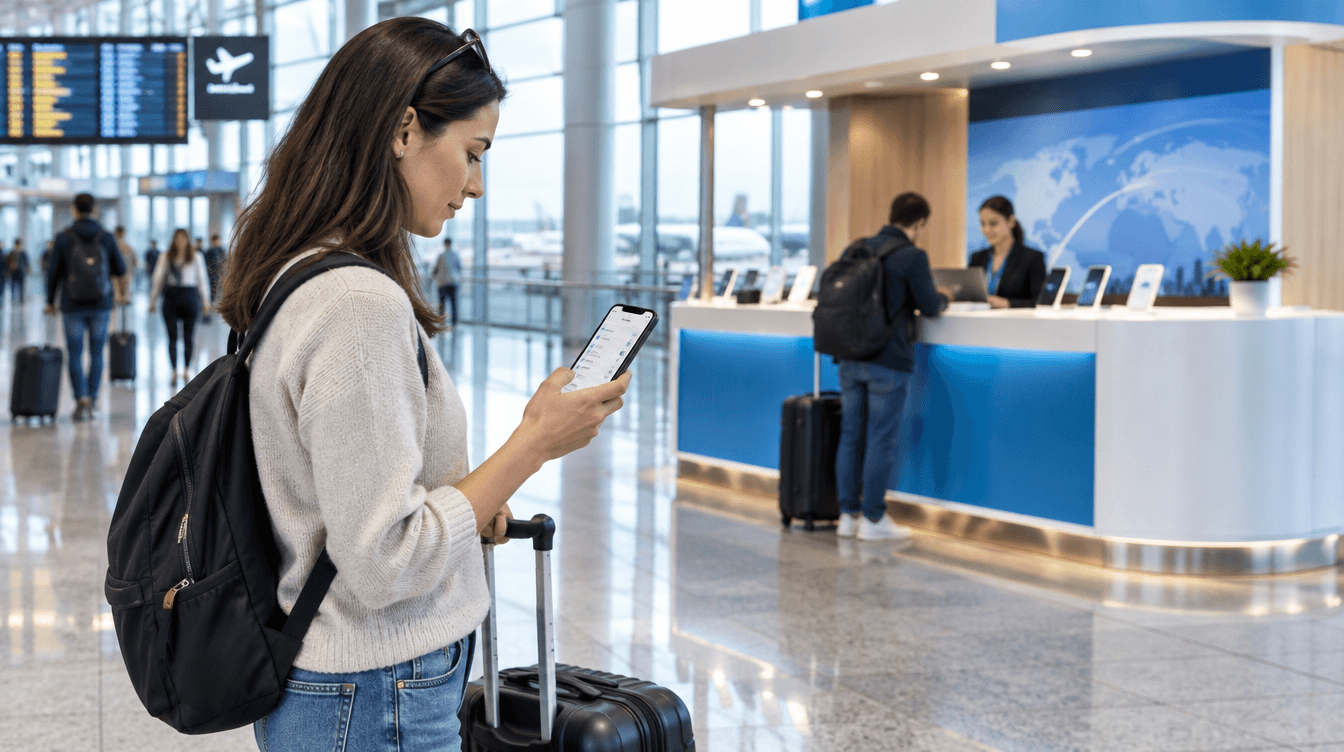
Which option fits depends on the person. Use the points below to choose.
| Option | Suits you when | Check in advance |
|---|---|---|
| Roaming | You need to keep receiving calls and texts on your usual number | Your carrier's roaming terms and data allowance for Korea |
| SIM (physical card) | You will use plenty of data in Korea and may need a Korean number | Whether your phone accepts another carrier's SIM (whether it is locked), where you will keep your home SIM, whether a number is included |
| eSIM | You want to keep your home SIM in place and add Korean data | Whether your phone supports eSIM, when you will scan the QR code to set it up, whether a number is included |
| Pocket Wi-Fi | You are sharing with a companion or connecting several devices | Charging the device, where to collect and return it, and that one person loses access when you split up |
The extra question on a medical trip is the Korean phone number. The Korea Tourism Organization says you can use a SIM for data or to get a Korean number, but whether a number is included depends on the plan. If your clinic sends booking changes by call or text, or if you plan to use an app that needs a Korean number to sign up, having a number is easier. If you only talk to the clinic through a messaging app, data alone is enough. Keep in mind, too, that if you take out your home SIM and put in a Korean one, you will not receive calls or texts to your usual number.
How to get from the airport to the clinic is covered in Incheon Airport to a Gangnam Clinic. For now, just remember that having data working the moment you land makes that journey easier too.
Getting around: map apps and taxi apps
Answers on the Google Maps Help community say that in Korea, Google Maps shows public transit routes but does not give walking or driving directions. In February 2026, Korea's Ministry of Land, Infrastructure and Transport gave Google conditional approval to take navigation map data abroad, but at the time of writing we could not confirm how much the app has actually changed. Before you fly, check for yourself whether Google Maps shows a walking route between your accommodation and the clinic, and install a Korean map app as well.
The Korea Tourism Organization introduces Naver Map as a map app. It shows routes and estimated times for walking, cycling, driving and public transit, and lets you save places to lists. The supported languages listed in the same guide are Korean, English, Japanese and Simplified Chinese. There are other Korean map apps, such as KakaoMap, so open them yourself and pick whichever is easier to use in your language.
In the map app, enter the Korean address the clinic gave you rather than the clinic's name. Searching for the clinic's name in English or your own language may return nothing, or a different place with a similar name. Save the location you found by address, and check the walking time and transit route from your accommodation once before you leave, so you are not lost on the morning of your appointment. Note the building name and floor as well.
It is better to sign up for a taxi app before you leave rather than on the day of your appointment, because each app differs in how you sign up, which languages it supports and how you pay. This is what we confirmed from the Korea Tourism Organization's guides:
- Kakao T: You first need a Kakao account created through KakaoTalk, and signing up may require a local (Korean) mobile number. Supported languages are Korean, English and Japanese.
- k.ride: An app for international visitors launched by Kakao Mobility in 2024. You can sign up with a phone number, email, Google or Apple account without joining KakaoTalk, and register an overseas credit card. It supports English, Japanese and Chinese (Traditional and Simplified), and uses automatic translation for searching destinations and chatting with the driver.
- TABA: A taxi app for international tourists made with support from the Seoul Metropolitan Government, supporting English, Japanese, Chinese, Thai and Russian.
- Uber: The guide says you can call a taxi in Korea with the Uber app and payment details you already use.
When choosing, check three things: whether it works in your language, whether you can sign up without a Korean number, and whether it accepts your card. Right after treatment, pasting your accommodation's saved Korean address is quicker than searching for the destination again.
Translation apps and interpreters have different jobs
A translation app is useful for giving your name and appointment time at reception, finding things at a pharmacy or convenience store, and telling a taxi driver where to stop. The Korea Tourism Organization introduces Papago, a translation app made by Naver, which translates typed text as well as text it recognizes in photos, handwriting, web pages and speech, and supports 14 languages including Korean. Install it before you go and try once whether it translates between your language and Korean, and whether camera translation works well.
Consultations, explanations of consent forms and instructions for taking medicine are a different matter. If the app gets something wrong, nobody in the room will notice, so for these moments it is better to arrange an interpreter separately. How to arrange one is covered in How Do I Arrange a Medical Interpreter for a Korean Clinic Visit?.
Apart from the app, it helps to prepare a short note in Korean to show at check-in. Your name as written in your passport, the appointment date and time, and the treatment you are booked to discuss is enough. You can also take a screenshot of the clinic's message and show that.
How you will stay in touch with the clinic, and what to save on your phone
Clinics contact international patients in different ways. Some use KakaoTalk; others use LINE, WhatsApp, email or phone. When you book, ask how they will let you know if your appointment time changes, and who to contact after opening hours. Once you know which messaging app the clinic uses, add the clinic before you leave and exchange one message. If you try to connect for the first time on the day you arrive, you will have to sort out data or account problems on the spot.
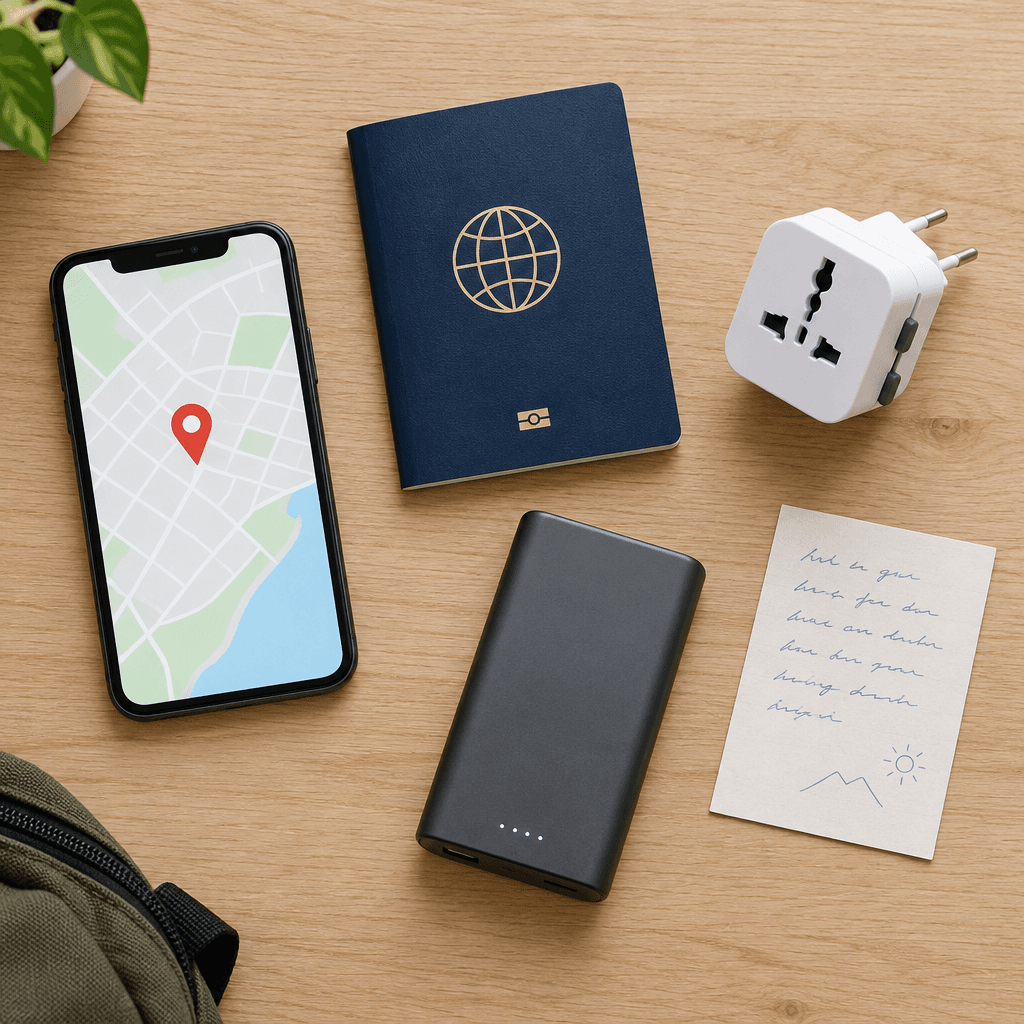
Phone verification is also worth knowing about in advance. Some Korean apps and websites require identity verification with a Korean mobile number when you book or pay. Naver says that in June 2026 it introduced passport verification for foreign visitors who find this hard, so that with a passport issued outside Korea and a face check, you can use reservations, orders and payments in Naver Map. Other services may still require a Korean number, so try to finish sign-up and verification for the apps you plan to use before you leave.
Save the following as screenshots or photos so you can see them even without data:
- The clinic's name and address in Korean (building name and floor) and its phone number
- Your booking confirmation (date, time and the treatment you are booked to discuss)
- Your accommodation's address in Korean
- A note of the medicines you take and your medical history
- 119 for emergencies, and the 1330 Korea Travel Helpline when you need travel information or tourist interpretation (1330 within Korea, +82-2-1330 from abroad)
How to put together a list of your medicines is covered in Medical History and Medications: What to Prepare Before Your Consultation. Write the Korean address and phone number on a sheet of paper too. If your phone battery dies, you can still show it to a taxi driver or the staff where you are staying.
The Korea Tourism Organization says its 1330 Korea Travel Helpline provides travel information and tourist interpretation by phone and chat, and that you can also chat through KakaoTalk, LINE, WhatsApp and Facebook Messenger. Online voice calls made over Wi-Fi are free. Emergency Ready, a multilingual safety app made by the government, also provides disaster alerts and information on emergency medical facilities. In an emergency, call 119.
Treatment day: battery and charging
On treatment day, one phone handles finding your way, calling a taxi, translating and staying in touch with the clinic. When consultations, tests and waiting run long, the battery drains faster than you expect. Charge it fully the night before, and put a power bank and charging cable in your bag.
According to the Korea Tourism Organization, Korea's standard voltage is 220V at 60Hz, and outlets have two round holes. Check the label on your charger to see whether it supports this voltage, and bring the right plug adapter. If you do not have one, the guide says you can borrow or buy one at your accommodation's front desk, or find one at places such as the airport or convenience stores. Power banks have separate rules for taking them on a plane, so check your airline's guidance before you leave.
If you use a pocket Wi-Fi device, you need to keep its battery charged too. If you are sharing one device with a companion and get separated, one of you will be left without internet. Whether you may use your phone inside a consultation or examination room, and whether you may record explanations or take photos, is for the clinic to say, so follow its instructions.
What Mediport does
Mediport is a government-registered foreign patient facilitator in Seoul (registration number A-2026-01-01-07030, Portzone Co., Ltd.). We do not sell SIM cards or phone plans, and we do not recommend particular apps. Once your appointment is set, we put together the clinic's Korean name and address and your appointment date and time for you, and check with you how the clinic will get in touch. You can reach us through messaging apps such as LINE or WhatsApp, in the language you are comfortable with. Medical decisions and instructions come from the medical institution that treats you.
Frequently asked questions
- Q. Do I really need a Korean phone number?
- A. Not necessarily. If you only contact the clinic through a messaging app, data alone is enough. But if the clinic sends booking changes by call or text, or you plan to use an app that requires a Korean number to sign up, a plan that includes a number is easier. Ask the clinic how it will contact you first, then decide.
- Q. Is Google Maps enough on its own?
- A. The Google Maps Help community says that walking and driving directions in Google Maps do not work in Korea. In February 2026 the Korean government gave conditional approval for navigation map data to be taken abroad, but we could not confirm how much the actual features have changed. Check the route yourself before you leave, and install a Korean map app such as Naver Map as well.
- Q. Can I use a translation app for my consultation?
- A. It is useful for finding your way, checking in and asking short questions at a pharmacy. For consultations, explanations of consent forms and instructions for taking medicine, nobody will notice if the app gets something wrong, so it is better to arrange an interpreter separately. Ask the clinic or your facilitator for an interpreter in advance when you book.
- Q. Which messaging app will the clinic use with me?
- A. It varies by clinic. When you book, ask which of KakaoTalk, LINE, WhatsApp, email or phone the clinic uses. Once you know, add the clinic and exchange one message before you leave, so you do not have to sort out connection problems after you arrive in Korea.
- Q. What if my phone battery dies or I lose my phone on treatment day?
- A. If you carry the Korean addresses of the clinic and your accommodation and the clinic's phone number on paper, you can show them to a taxi driver or the staff where you are staying. Pack a power bank and cable, and if someone is travelling with you, save the clinic's contact details on their phone too. For interpretation or travel information that is not urgent, use the 1330 Korea Travel Helpline; for emergencies, call 119.
This article is for general information only. Results vary by individual, and whether a procedure is suitable is a physician's decision. Please ask in a free consultation for details.
Related articles



How consultation & interpretation work
Start with a free consultation
Tell us your goals, schedule and concerns. We'll reply within 24 hours, in your language.
Start a free consultation